Freight payables
Know what you owe each hauler, and pay it once.
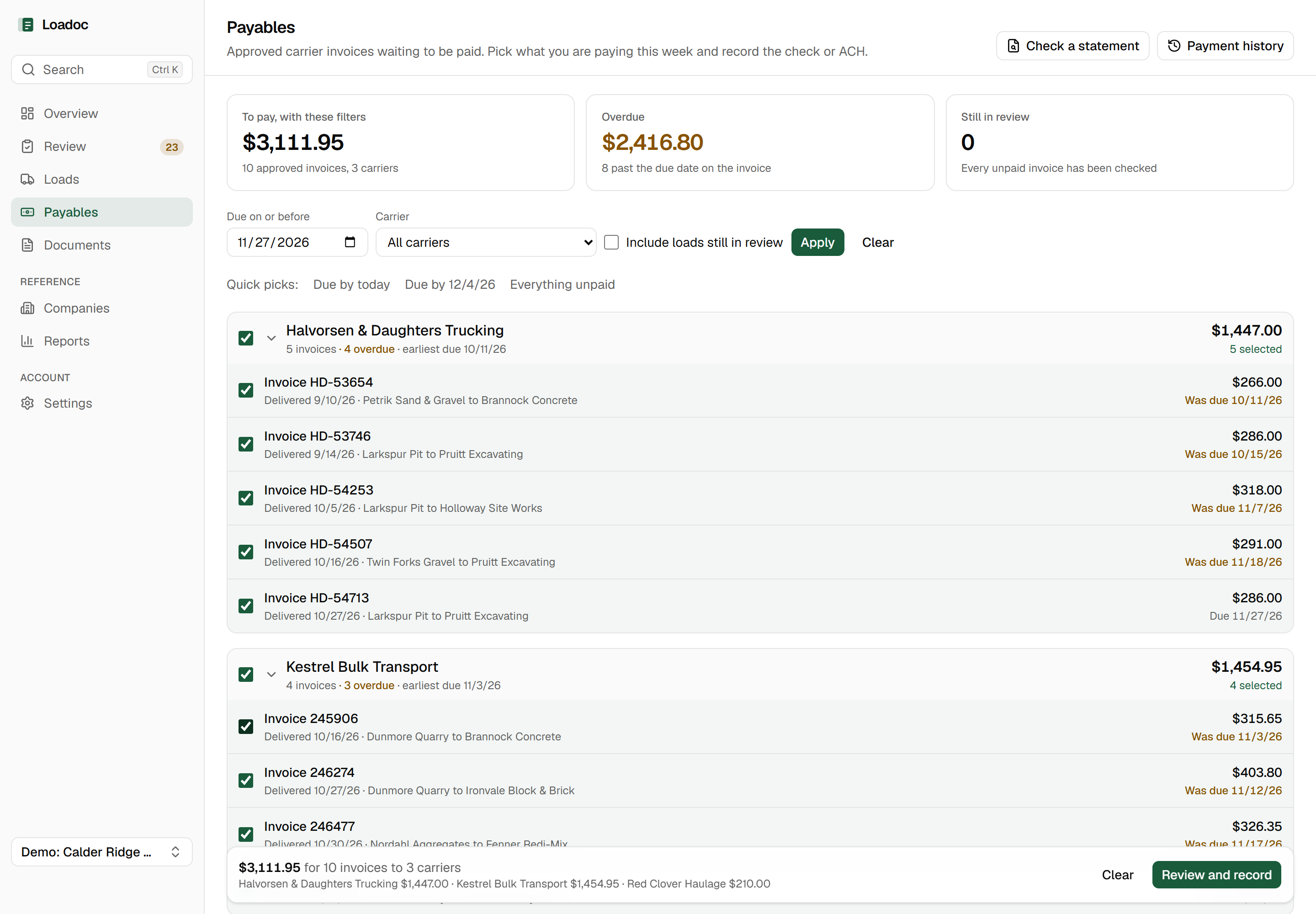
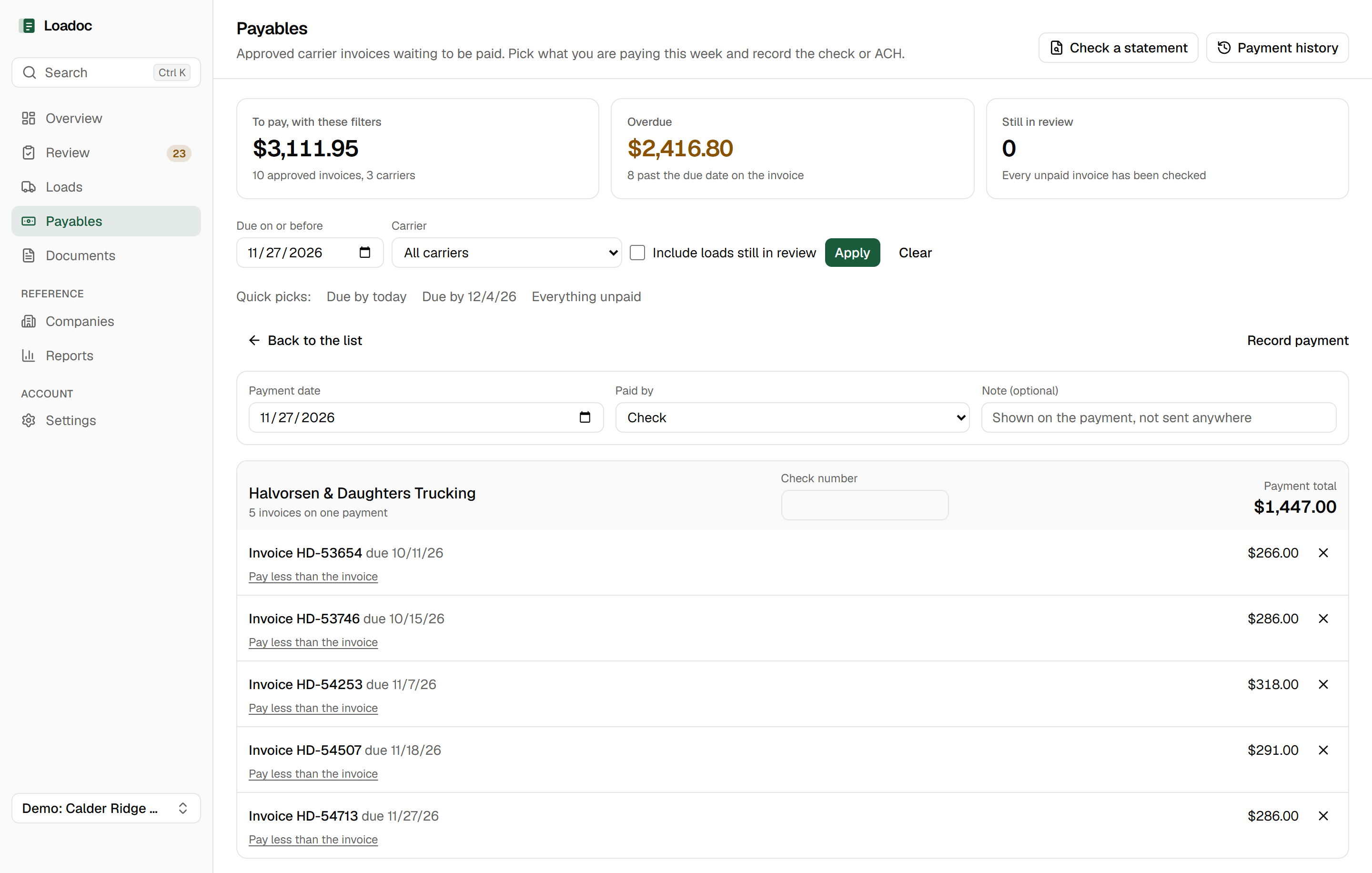
Once a freight bill has passed its checks or been approved, it is a payable with a due date. Loadoc lists what you owe by hauler or carrier, so the weekly payment is a matter of ticking boxes and not of working down a spreadsheet.
The weekly payment
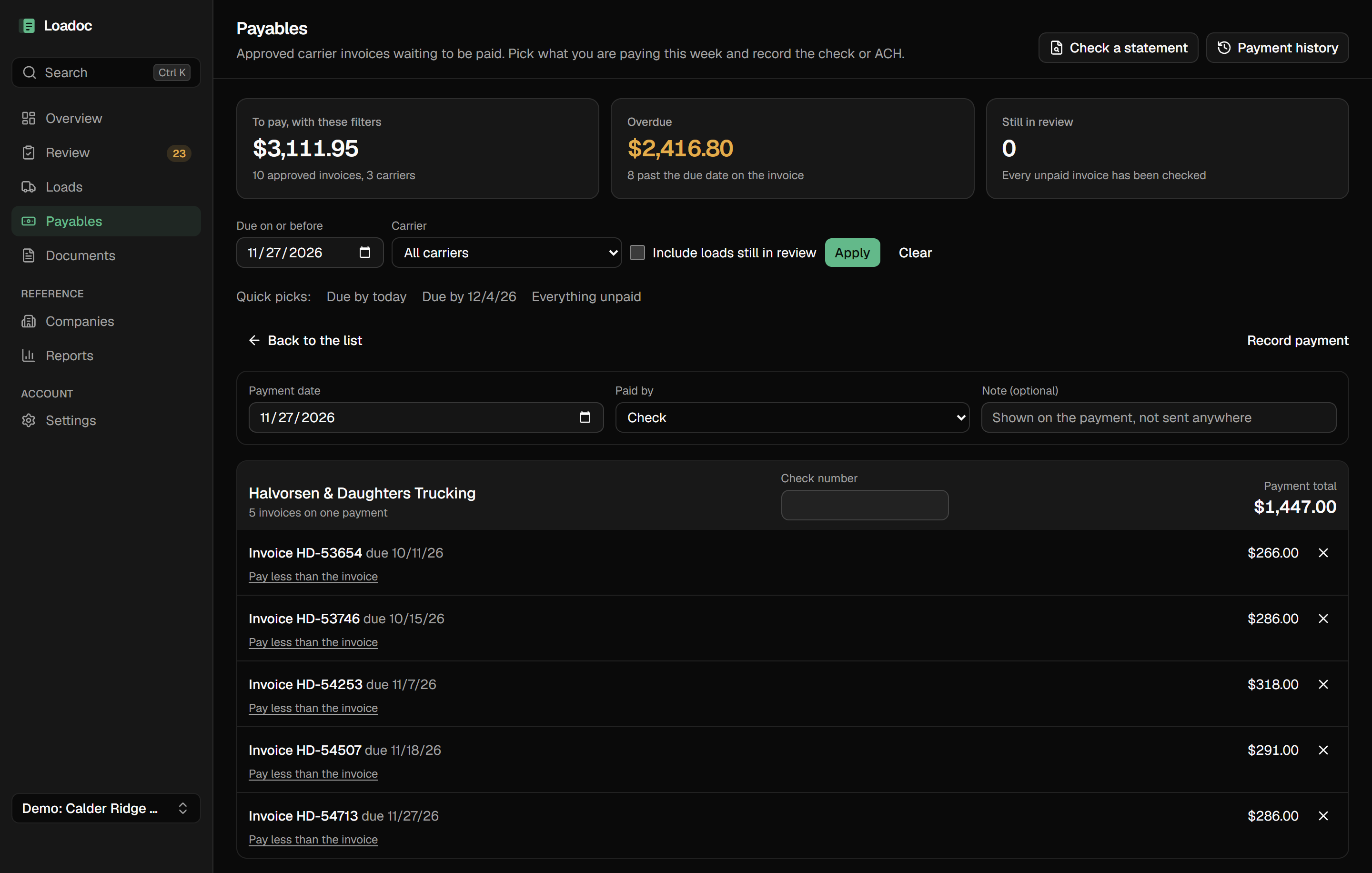
One payment per hauler, each with its own check number
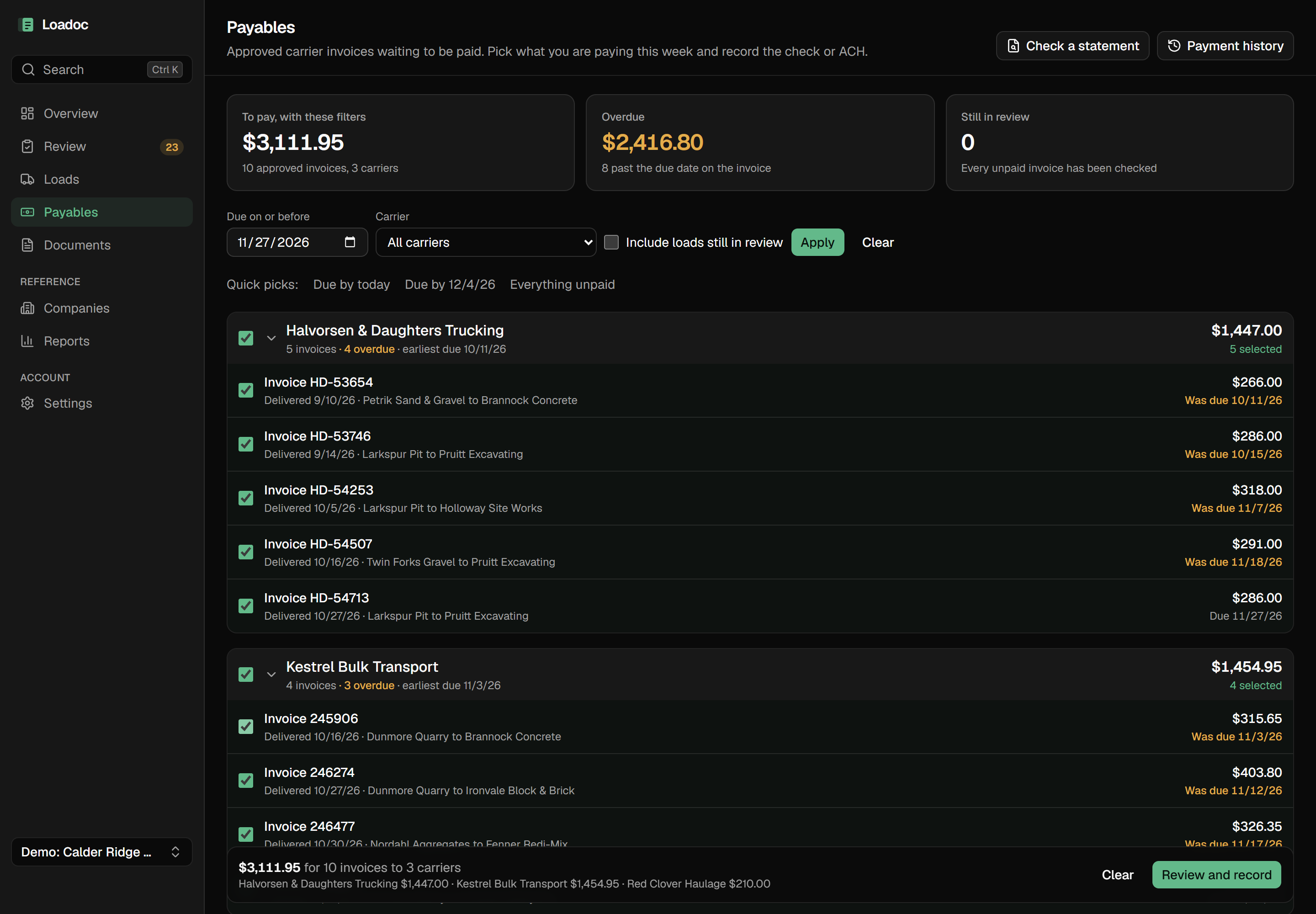
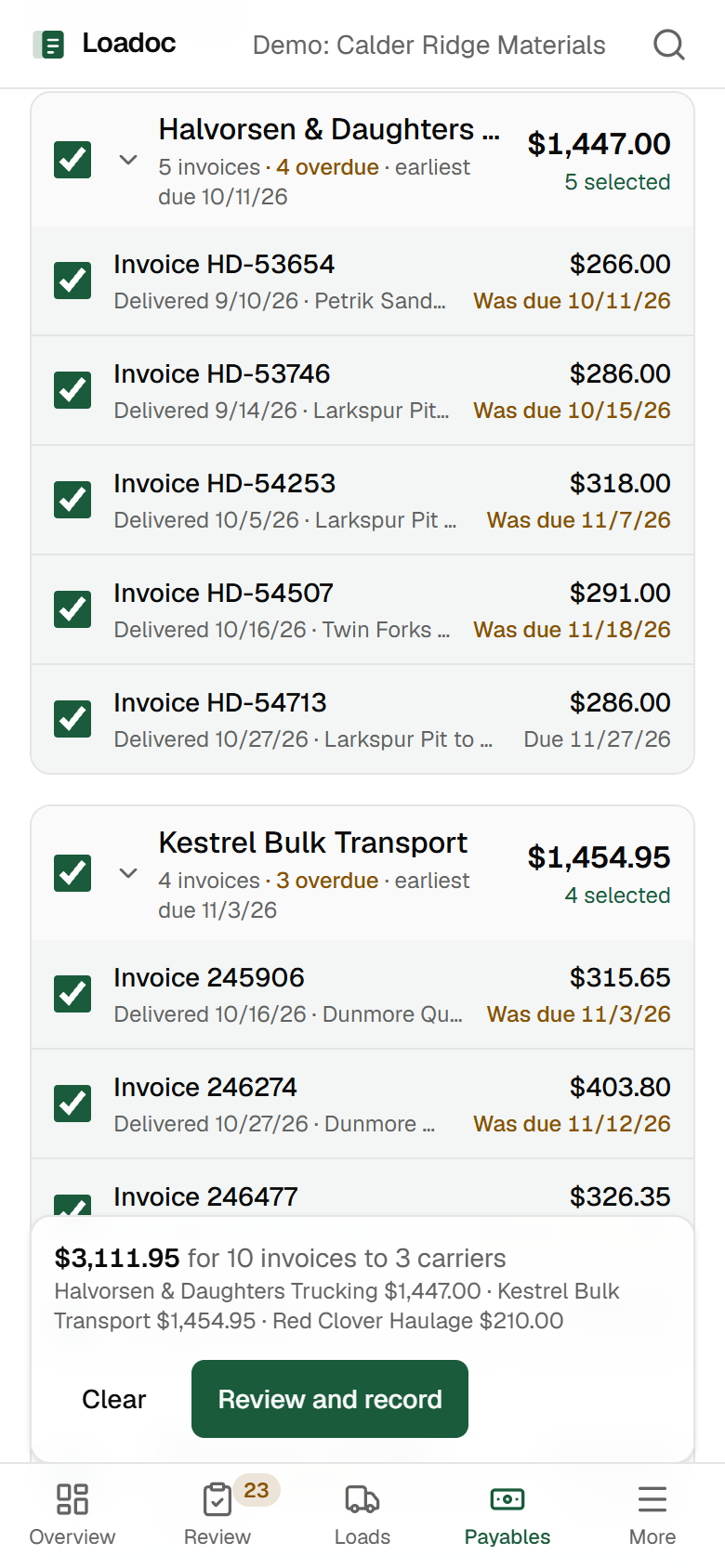
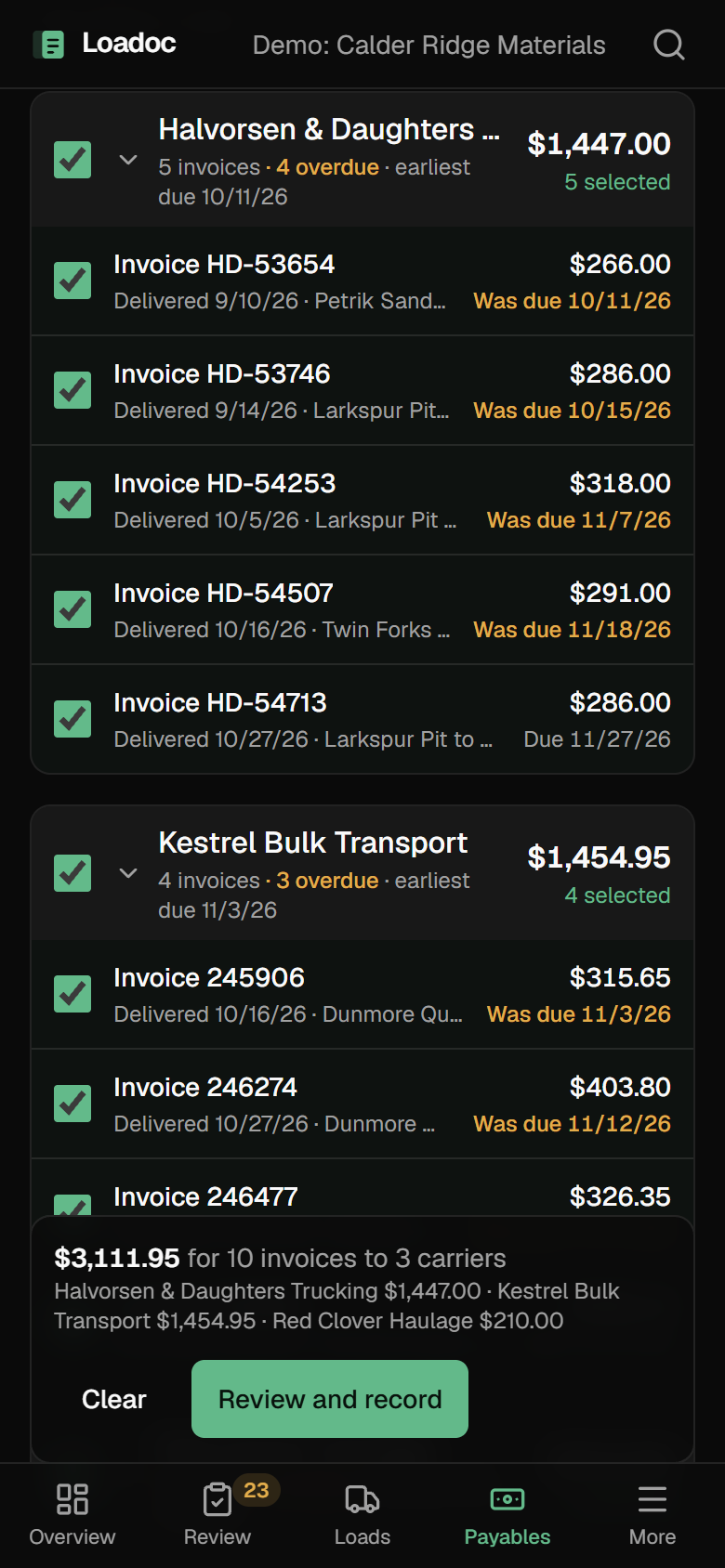
Pick by due date, by hauler, or tick invoices one at a time. The bar at the bottom keeps the running total for each hauler, so it can be matched to the check you are about to write.
A payment across three haulers is recorded as three payments, each with its own check or confirmation number. Each gets a remittance listing the invoices and ticket numbers it covers.
Before anything is recorded, Loadoc checks again for an invoice that is already paid, listed twice, or the same load under another invoice number.
Statements
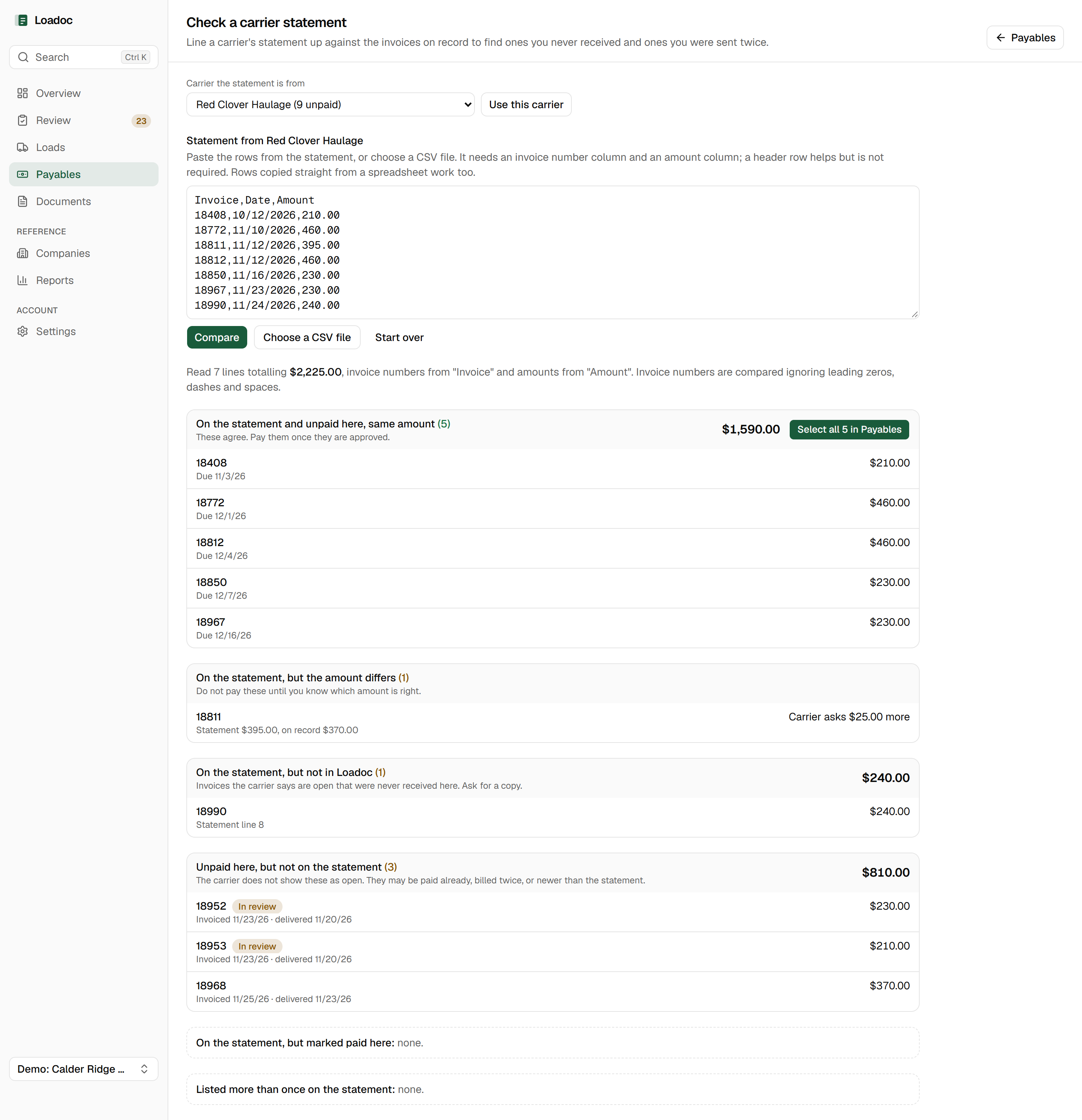
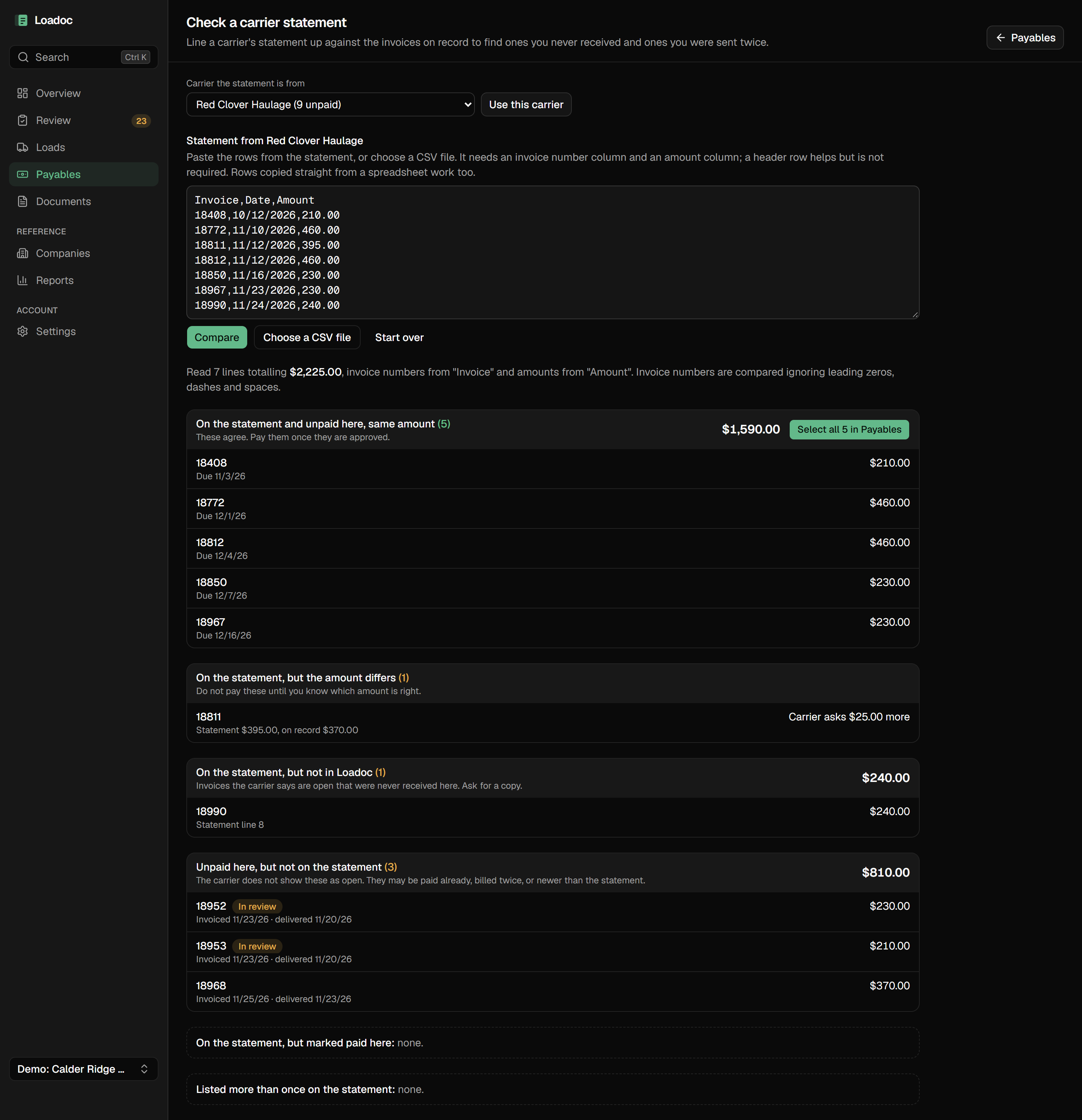
Check a hauler's statement against what you have on record
Paste the rows from the statement, or choose a CSV file. Loadoc lines them up against that hauler's invoices and sorts them: agreed, amount differs, on the statement but never received, unpaid here but not on the statement, and listed twice.
The statement is read in your browser. It is not uploaded or saved.
Aging
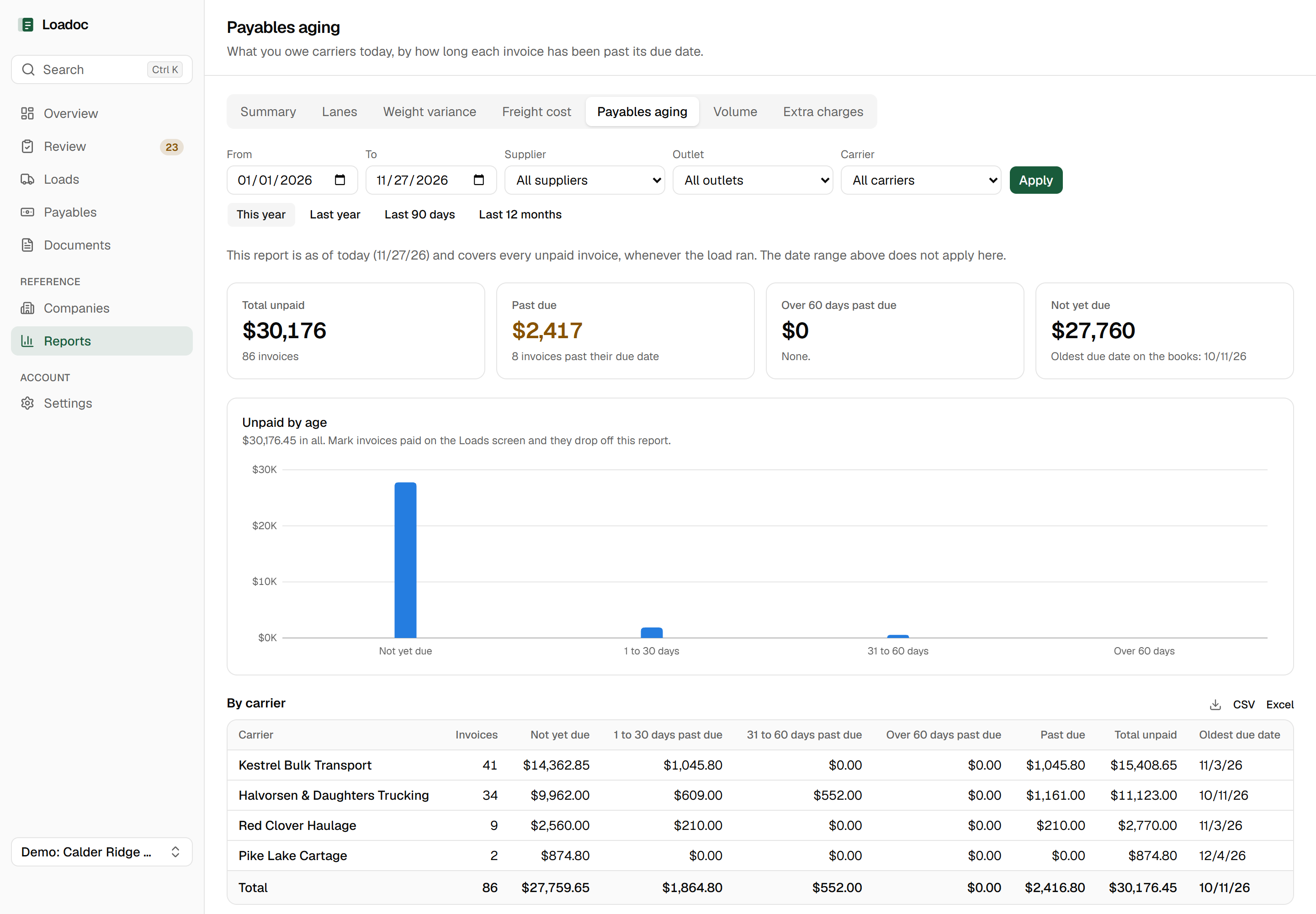
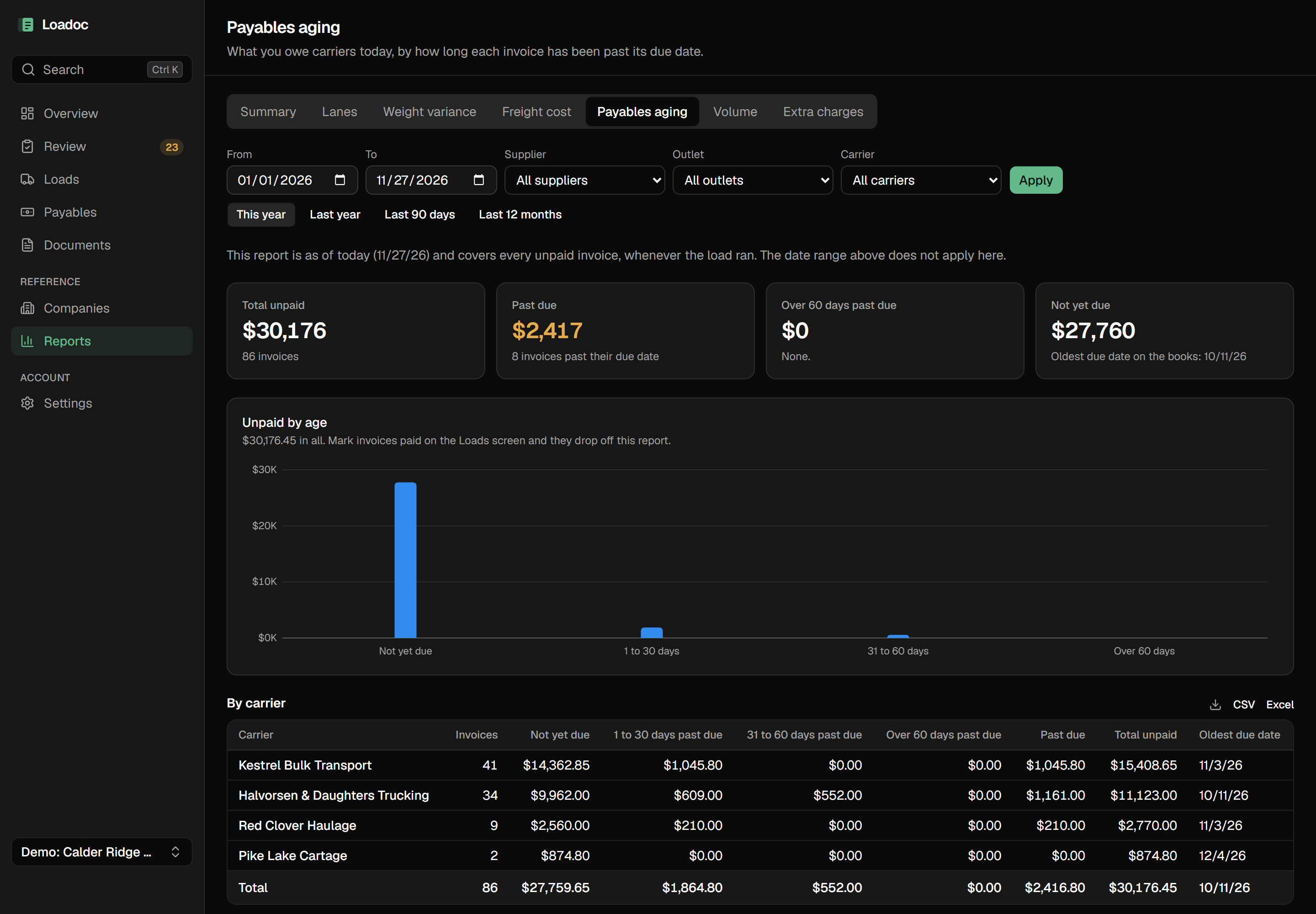
What is overdue, by hauler
The overview page splits what is unpaid into overdue, due in the next seven days and due later. The aging report breaks the same money down by hauler and lists the oldest invoices first.
Both can be downloaded as CSV or Excel.
What it does not do
It does not move money. No bank connection, no card, no ACH file. You pay as you do now.
It does not post to your books. It gives you a bills-paid file to import or key from.
It does not route approvals. Everyone in an account can approve a load. If you need a second signature before payment, that step stays where it is today.
Questions
- Does Loadoc pay my haulers?
- No. It is not connected to a bank and never sends money. You pay by check or ACH the way you do now, and record the payment in Loadoc with its check or confirmation number. Loadoc then knows what is paid, writes the remittance, and takes those invoices off what is owed.
- Does it connect to QuickBooks or another accounting system?
- There is no direct connection. Each payment run can be downloaded as a bills-paid file, CSV or Excel, laid out the way bookkeeping software expects a bill payment import: vendor, bill number, amount paid and the check number as the reference.
- What if I pay less than the invoice?
- Enter the amount you are paying and the reason. The remittance shows the note, and the shortfall stays on a list of short payments still open until you pay the balance or close it, for instance when the hauler agrees or sends a credit.
- Can a load be paid before it has been checked?
- Not by accident. Loads still in review are left out of the payables list and out of every total. You can choose to include them, and then paying one needs an explicit confirmation.
- What does the remittance show?
- For each invoice on the payment: invoice number, invoice date, delivery date, ticket number, invoice amount, amount paid and any short-payment note, with a total. It can be printed or downloaded as PDF, Excel or CSV to send to the hauler.
- Can a recorded payment be undone?
- An owner or admin can undo one. The payment is kept on record, marked undone with a name and a reason, and its invoices go back to unpaid. Nothing is deleted.
The checks that decide whether an invoice reaches this screen are on the freight invoice audit and scale ticket reconciliation pages. What to look at before any freight bill is paid is written out in the carrier invoice audit checklist.
The rest of the job
- Scale ticket reconciliationTicket numbers, gross, tare and net, and the supplier's weight against the delivered weight.
- Freight invoice auditCharges that do not add up, a rate above the confirmation, and invoices sent twice.
- Lane rates and freight costFreight per ton on every lane, and the day a hauler's rate moved.
Run last month's freight bills through it
Connect the inbox your haulers bill, or drop in the PDFs you already have. The first batch shows which loads pass and which get set aside, and why.
14 days, up to 400 loads. Already have an account? Sign in